FACEIT / CS2
Web Radar — FACEIT
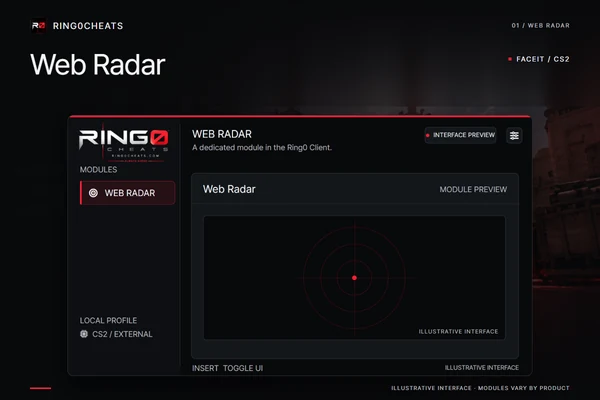
A dedicated Web Radar tab for FACEIT. The Ring0 Client keeps this product focused on its radar module,…
RING0 CLIENT / FACEIT / CS2
Choose Web Radar, ESP + Triggerbot, or add Aimbot. Every product runs through the Ring0 Client, with a menu built around your modules. Driver-based. No DMA or fuser.
THE FACEIT COLLECTION
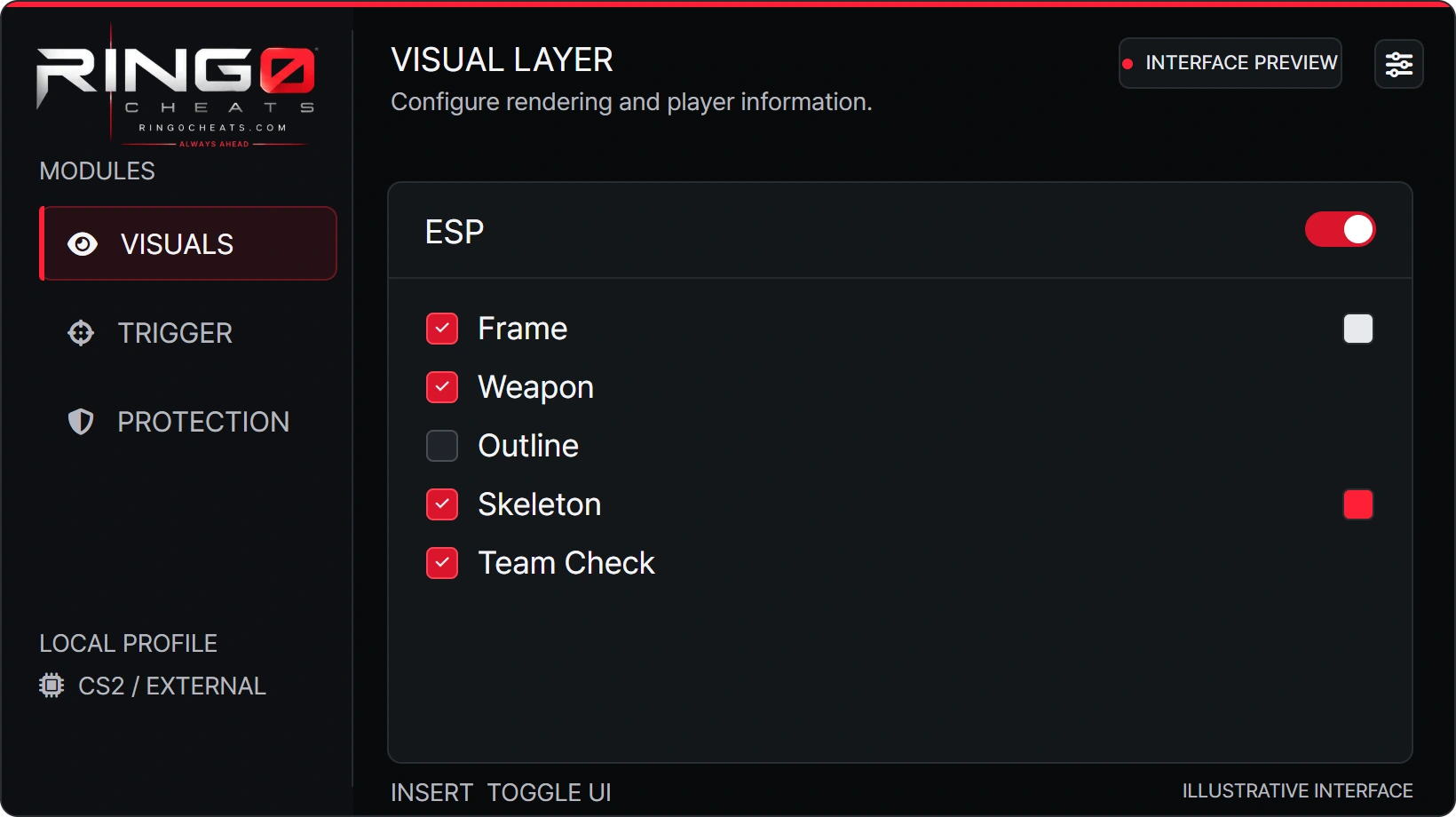
A dedicated Web Radar module or a combination of ESP, Triggerbot and Aimbot. The same Ring0 interface, with the tabs included in your product.
Compare the collectionFACEIT / CS2
A dedicated Web Radar tab for FACEIT. The Ring0 Client keeps this product focused on its radar module,…
FACEIT / CS2
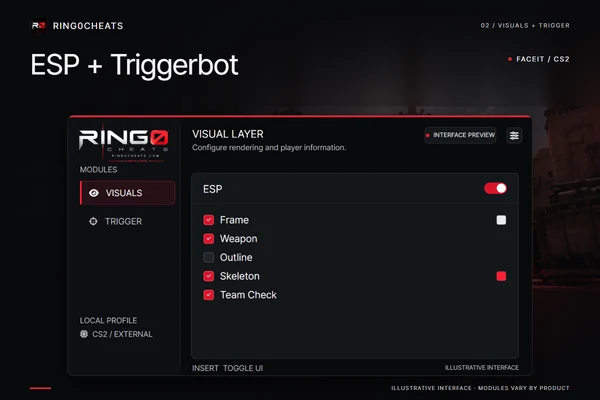
ESP and Triggerbot in one FACEIT product. Use the Visuals and Trigger tabs inside the same Ring0 Client,…
FACEIT / CS2
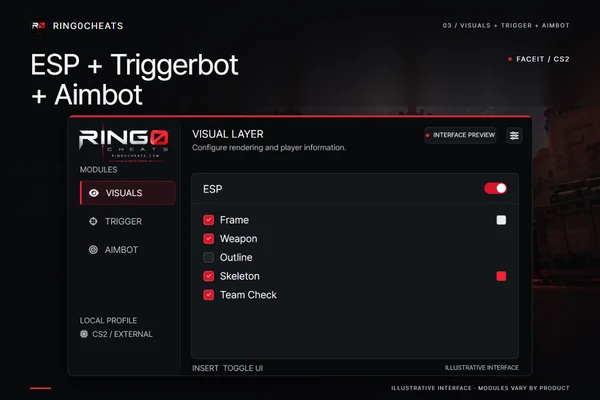
ESP, Triggerbot and Aimbot together for FACEIT. This combination adds the Aimbot tab alongside Visuals and Trigger in…
YOUR RING0 ACCOUNT
Open the Portal for your orders and available downloads. Check the latest published service status before using your product.